
Quick Answer
You build scaffolding by placing parts with the Toolbox, then tightening every bolt with the Hammer. Only Poles can stand directly on the ground. To remove a piece, equip the Hammer and right-click its bolts until every bolt turns red.
How do you build scaffolding in CRACK?
You place Poles with the Toolbox, tighten their bolts with the Hammer, then attach supported parts above them.
You need a Toolbox, Hammer, and Scaffolding Parts from the Specialty Catalog. A Support Spike cannot replace this equipment.
Place Poles on the ground
Select a Pole with your Toolbox and place it on the laboratory floor near the egg. Only Poles can stand directly on the ground; other parts attach to existing scaffolding.
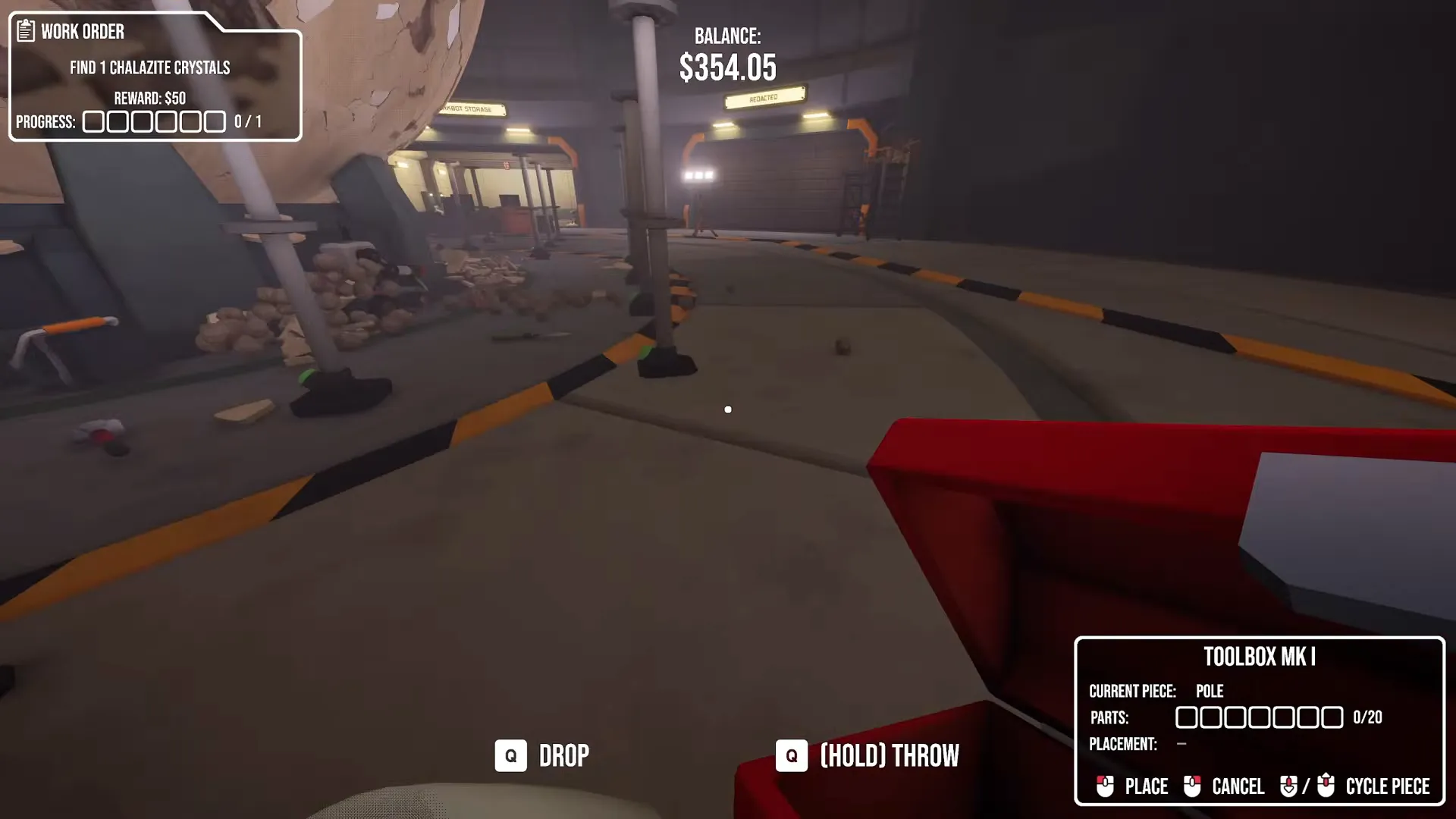
You can switch the selected part with the Toolbox's Cycle Piece control.
Shown at 59:56 in Floydsonson’s video.Tighten every bolt
Placed pieces start as holograms. Use your Hammer to tighten every bolt until it turns green. The piece becomes fully built when you secure its last bolt.
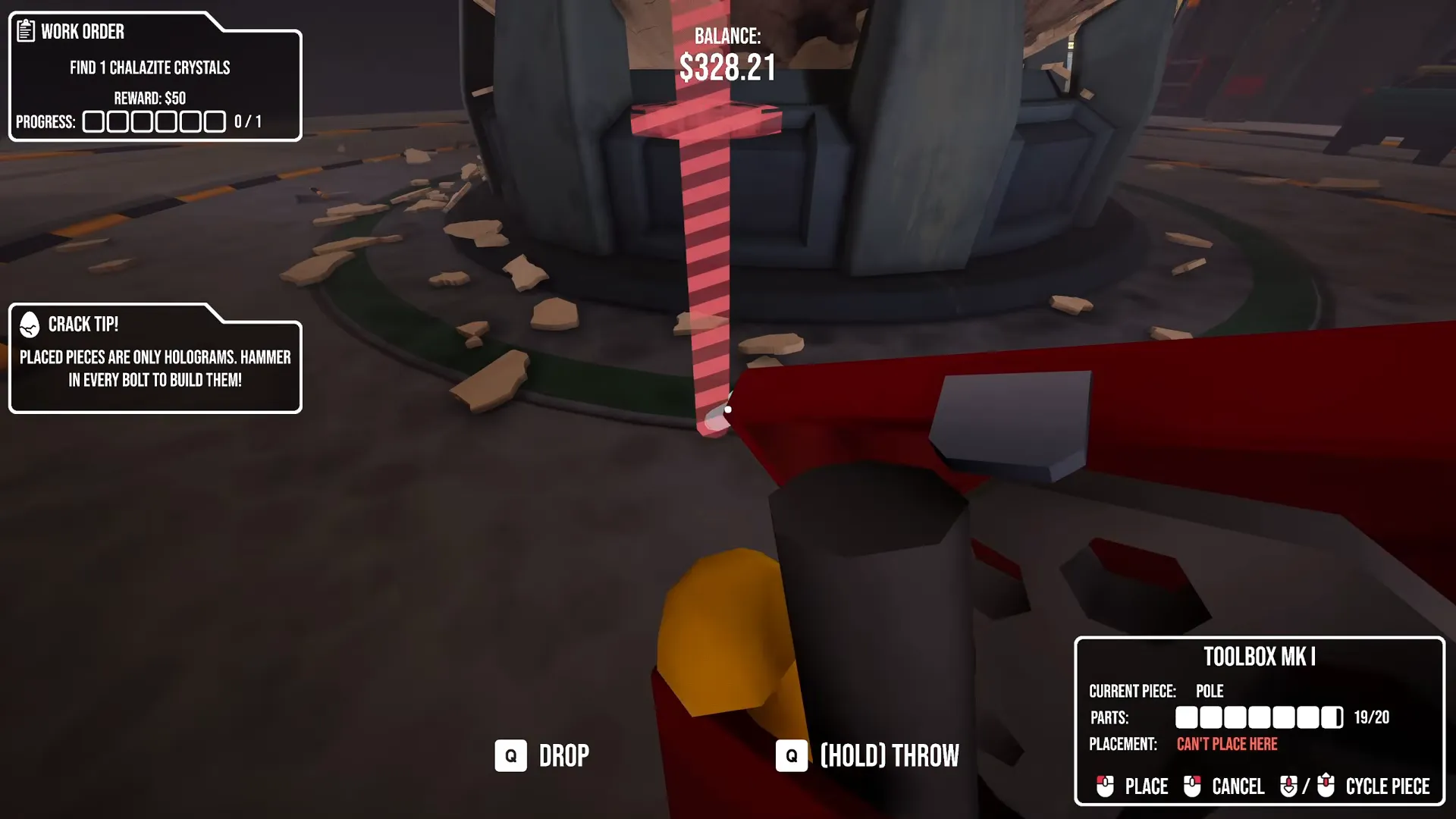
The on-screen tip reminds you that placed pieces remain holograms until you hammer every bolt.
Shown at 58:43 in Floydsonson’s video.Add a route upward
Establish your Poles and essential H Beams, then add Floors and Ladders. Check that you can reach each connection and secure its bolts before extending higher.
Add D Beams after planning your Floors and Ladders. A diagonal beam crossing a future Floor position can prevent you from installing that Floor.
Poles cannot sit directly against the specimen. Use connected Floors or Overhangs when you need access closer to its surface.
Check placement outlines separately from bolt colors. A green outline means you can place the piece. Yellow means you can place it, but it will collapse once built. Red means you cannot place it there. For bolts, green means tight, yellow means partly tightened, and red means loose.
How do you remove scaffolding?
Equip your Hammer and right-click a piece's bolts until they all turn red; the piece then breaks.
Loosen the bolts with your Hammer
Equip the Hammer, target a bolt on the piece you want removed, and right-click to loosen it.
Finish loosening that piece
Repeat for the remaining bolts on that piece. Once all its bolts are red, the piece breaks.
Used parts cannot be returned. If your Toolbox is empty, refill it at the Scaffolding Part Dispenser.
What does each scaffolding part do?
Use Poles for ground supports, Floors and Ladders for access, and D Beams where they will not block Floors.
| Part | Use |
|---|---|
| Poles | Establish your ground supports; these are the only parts you can place directly on the ground. |
| H Beams | Add these to your initial frame alongside Poles before placing Floors and Ladders. |
| D Beams | Reinforce your frame, but keep diagonal pieces out of planned Floor positions. |
| Floors | Give you accessible levels and help you reach closer to the specimen. |
| Ladders | Connect your route upward as you add supported levels. |
| Overhangs | Help you reach closer to the specimen from connected scaffolding. |
For your other equipment needs, see crack game tools.
FAQ
You need the Toolbox for placement and the Hammer for tightening or loosening bolts.
You have not secured every bolt yet. Tighten all bolts with your Hammer to finish building that piece.
You may have used a yellow placement outline. Yellow outlines indicate pieces that will collapse once built; choose green outlines instead.
A D Beam can block your intended Floor position. Plan your Floors and Ladders before adding diagonal reinforcement.
No. You can place only Poles directly on the ground; attach other parts to existing scaffolding.
No. Used parts cannot be returned. You can refill an empty Toolbox at the Scaffolding Part Dispenser.